
⭐ Learn and adapt to Incident penalty thresholds
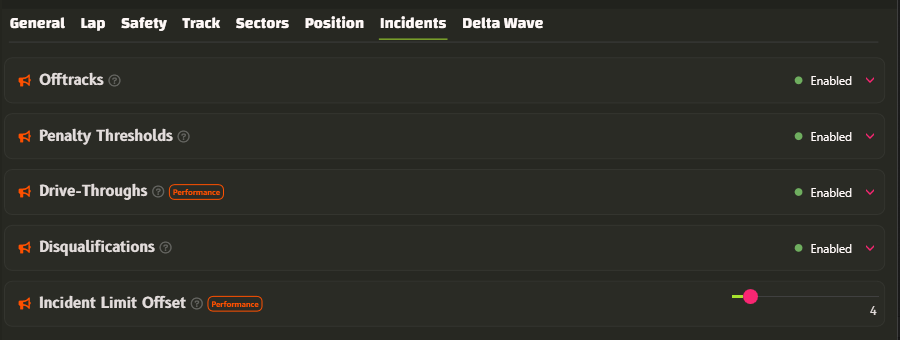
- Hear penalty incident thresholds for drive-throughs and disqualification.
- You hear these upon entering the race session when gridding, and when approaching the individual limits:
- Initial Drive-Through
- Subsequent Drive-Throughs (available with Performance tier or higher)
- Disqualification (driven by the existing
Disqualificationspreviously known asIncidents High)
🔄 Renamed Alert Incident Threshold
Alert Incident Thresholdnow goes under the nameIncident Limit Offsetto better describe its offsetting purposes.- It now affects not only the Incident Limit before Disqualification, but also the Incident Limit before Drive-Throughs.
🔄 Renamed Incidents High
Incidents Highis now calledDisqualificationsto better describe its meaning.
⭐ Create your own voice commands for actions outside the simulator.
Custom Commands can now send keybinds to other apps, such as OBS, Racelabs, SimHub, and similar tools.
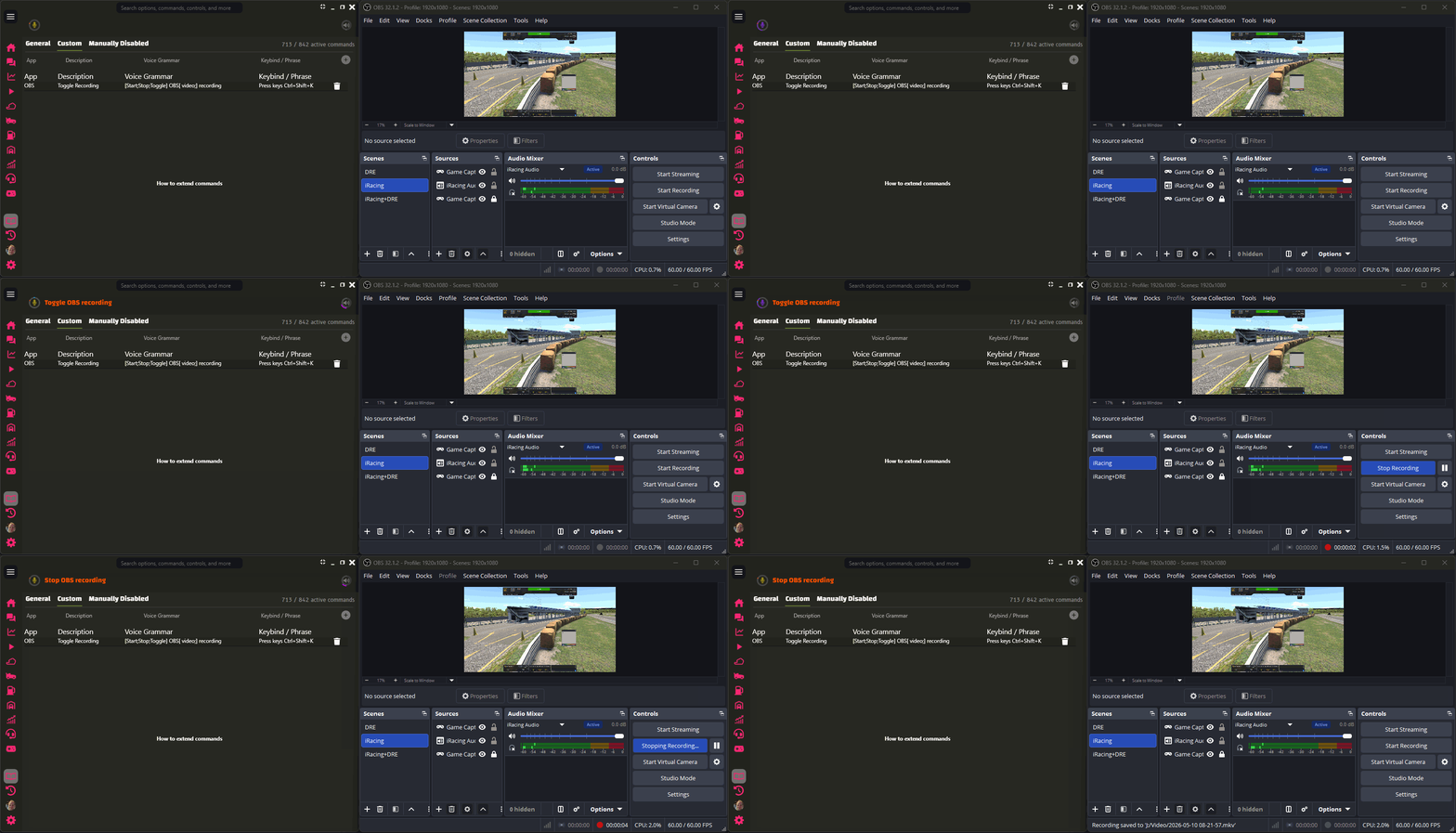

Use this for stream scenes, overlays, dashboards, or other external shortcuts without taking focus away from the sim.
You can also use DRE’s built-in external key command directly:
- Press keys
- Press keys
to
- Press keys
Examples:
- Press keys NumPad4
- Press keys Ctrl+Shift+K to obs64
The key combo must use the exact canonical key names DRE supports.
The optional to
part is a safety check. DRE checks that the named process is running before it sends the shortcut. Process matching is exact but case-insensitive, and .exe is optional, so obs64 can match obs64.exe. Important details:
- DRE does not focus or activate the target app.
- DRE keeps simulator focus.
- The target app must listen for global shortcuts.
- A successful key press is silent.
- Invalid key combos warn and send nothing.
- Missing target processes warn and send nothing.
- DRE and the target app must run with the same privilege level. If one runs as admin and the other does not, DRE warns and sends nothing.
- You can still use Custom Commands to trigger DRE’s built-in commands with your own phrases, so the wording fits how you actually talk while racing.
⭐ Braking Overlap Signal
- New coaching Signal that helps you hear when brake and throttle overlap during braking zones.
- You can use it to:
- clean up pedal inputs without staring at telemetry or the simulator pedal UI
- avoid re-applications of braking
- save fuel by essential short lift-and-coasting
- improve cornering consistency
- improve lap times
Pedal Overlap Thresholdis set to 2% to allow slight overlap. Ultimate subscribers can tune this setting.Pedal Overlap Ignored Carsis a filter to exclude certain cars from the signal. You can easily add additional cars.- Quick throttle blips for downshifts and early corner exit throttle are ignored.
- The Signal does not chatter through small throttle and brake changes during the braking zone after the Signal has sounded once.
- Enable and adjust the Signal in
Car -> Peripherals -> Braking Overlap
🔄 Improved Classic Recognition loading time
- Classic Recognition now gets ready much faster after connecting to a session.
- Measured loading time improved from about 39.5 seconds to about 14.5 seconds.
- That is roughly 63% less waiting time, or about 2.7x faster startup for Classic Recognition.
Based on Stable v2026.1.8 – see full stable changelog

